Keep your focus while it works.Keep your code when it’s done.
Muninn is an open-source menu-bar companion for the coding agents that live in your terminal. It fills the wait with one thing to think about, then knocks the moment the turn lands — a single line on what your agent changed, and the reasoning under it. Claude Code today; any CLI agent is one small file away.
curl -fsSL https://muninn.moolerz.et/install.sh | sh
macOS menu barWorks offlineYour agent never waits 500msOpen source · MIT
1window
However many agents
Two agents finishing together do not stack two windows. They queue behind one panel with a count you can page through.
500ms
Hard cap on the hook
Zero dependencies and a watchdog that exits whatever happens. Your agent never pauses for Muninn.
0
Accounts, servers, telemetry
Read from a hook, written to a file on your disk. That is the entire journey your work makes.
2
Summaries per turn
One sentence for the glance, several paragraphs for the read. Your agent writes both; Muninn writes neither.
the turn, read from across the room
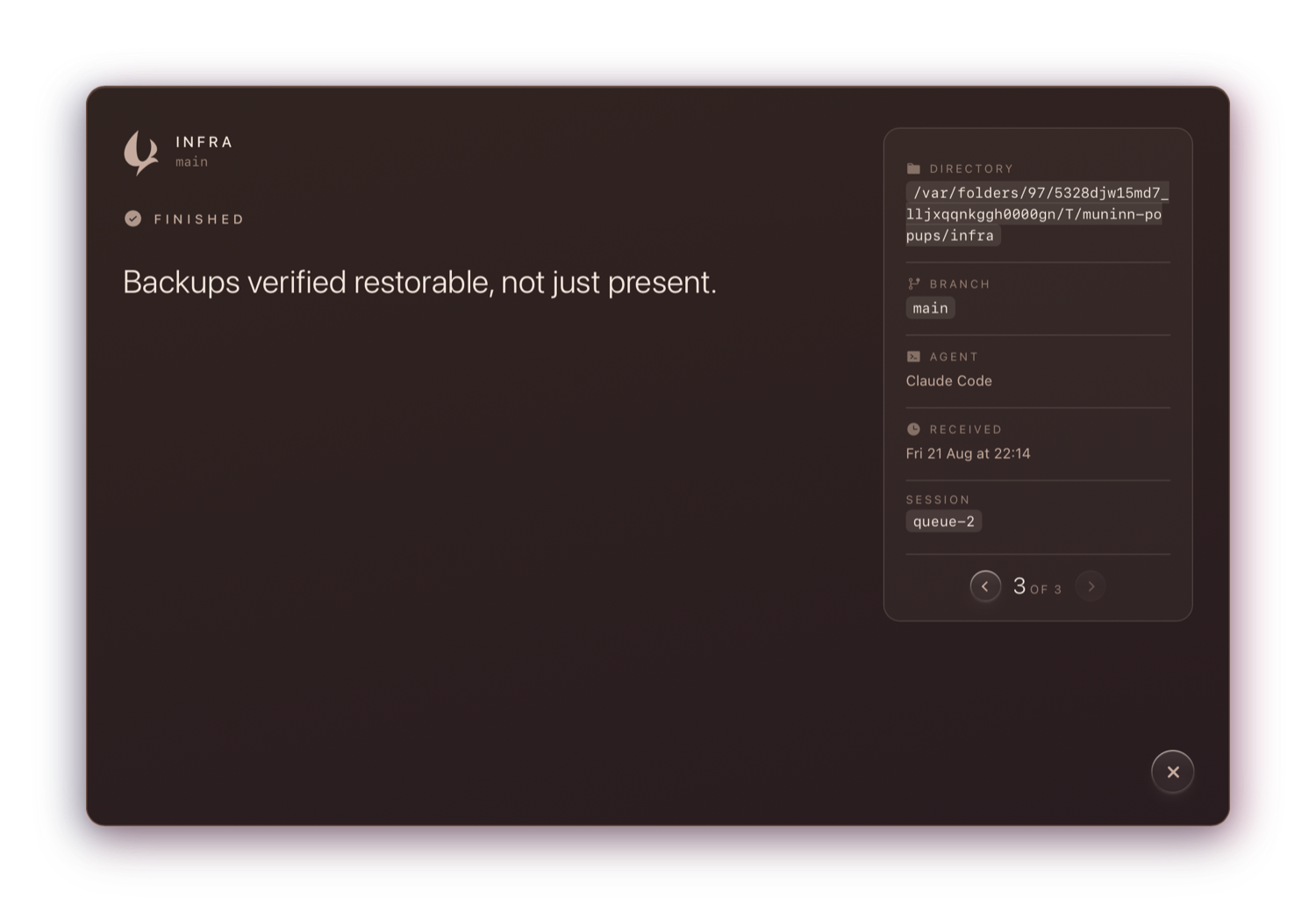
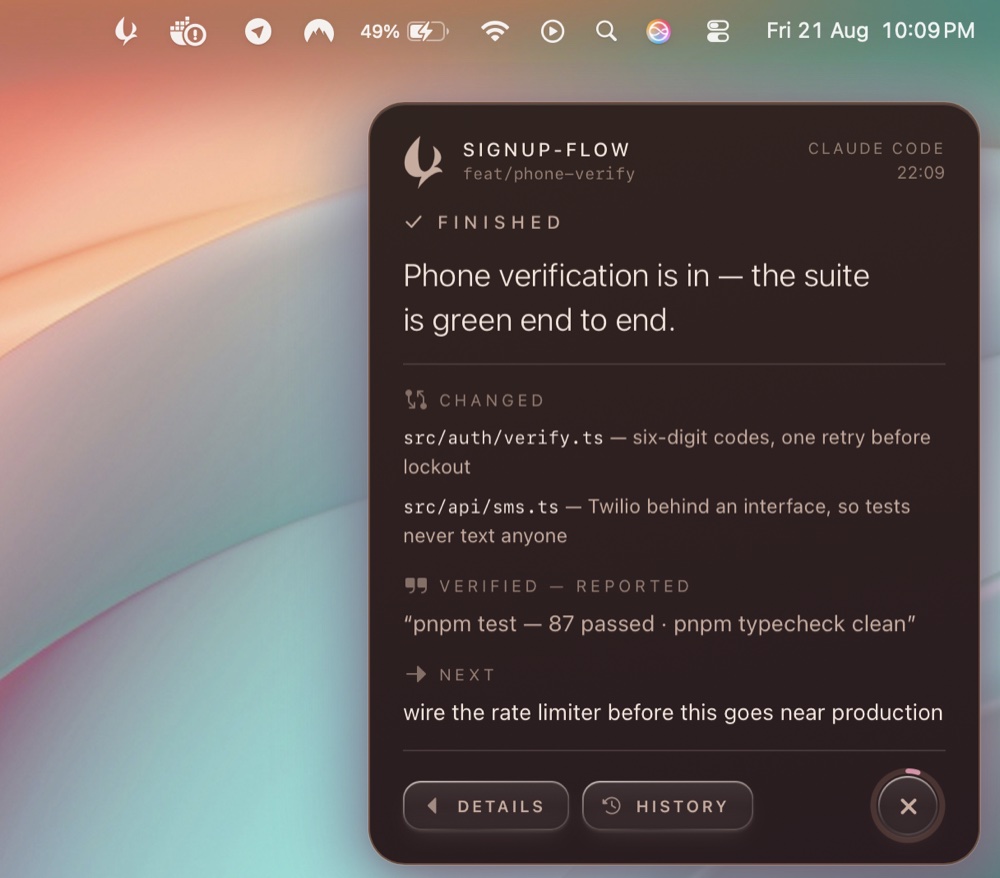
The read · details windowThe glance · top-right, as it lands
The panel is the glance: did it work, do I need to act, what happens next. The window behind it is the read — your prompt, the mechanism, the claims. Both written by your agent; Muninn renders exactly that and never invents a word.
01The knock
So you never have to check.
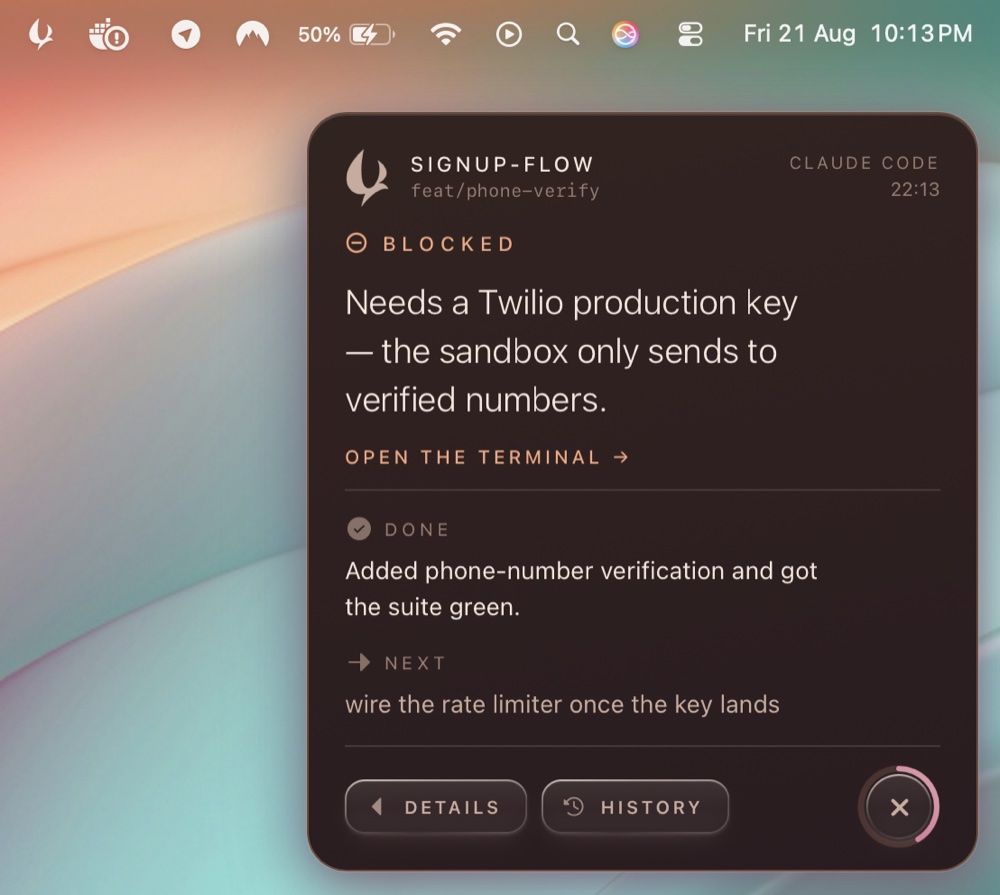
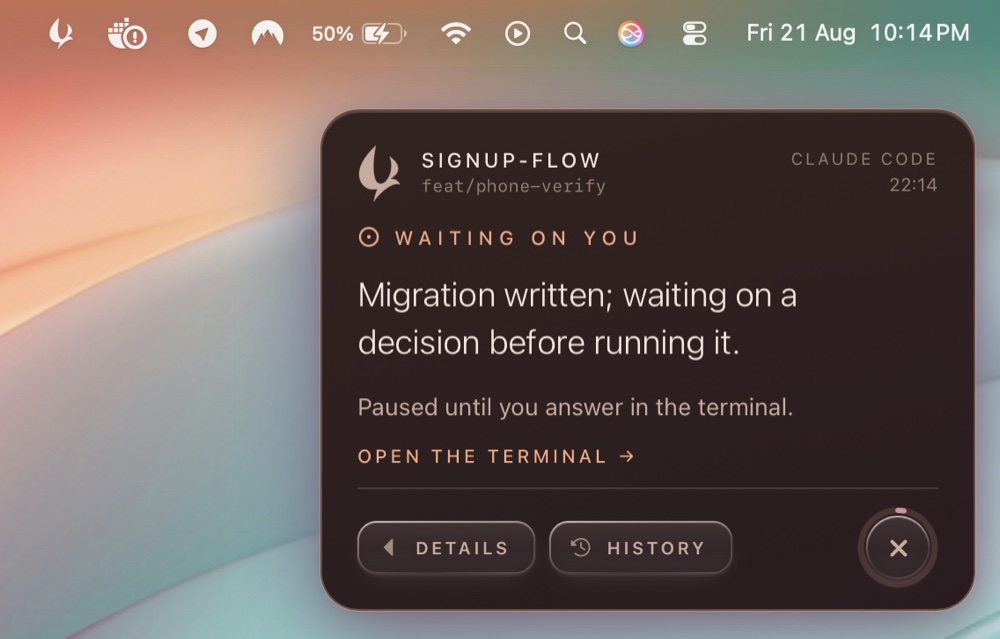
A terminal cannot tap you on the shoulder. Claude Code, Codex, every CLI agent — they all finish into a window you are not looking at, so you poll it, and every check is a context switch you paid for. Muninn knocks instead: three soft hits, evenly spaced, never escalating, and a lower sound when it is asking rather than finishing. The panel waits in the corner until you have seen it. It does not take focus, and it does not time out.
Blocked · the accent means you are neededNeeds input · the quieter ask
02The contract
It doesn’t guess. It asks.
Your agent ends each turn with a structured block — done, changed, verified, next, blocked, risk, explain — and Muninn renders exactly that. No second model between you and the work. MUNINN.md teaches the format in one file; a missing summary says finished, no summary, never an invented one. And tests pass, said by your agent, stays a quotation — Muninn quotes, it never vouches.
Prefer skills to rules? muninn init --skill also installs a /muninn skill — the same contract, invocable on demand: “summarize that diff as a muninn block”, or re-emit a summary the panel missed. The rule stays the backbone, because a closing summary is an every-turn obligation and skills load when the model judges them relevant — the wrong trigger for “always”. Either way your CLAUDE.md stays at one line.
03The long half
So the code stays yours.
explain is held to a standard: how it works, which function does what, the constraint that ruled the other approach out — then the name of the technique, so something transfers to a project this one never touched. After reading it you should be able to predict what the code does with an input you have not seen. That is the difference between accepting a change and understanding it.
04History
Every turn, kept — with the prompt that caused it.
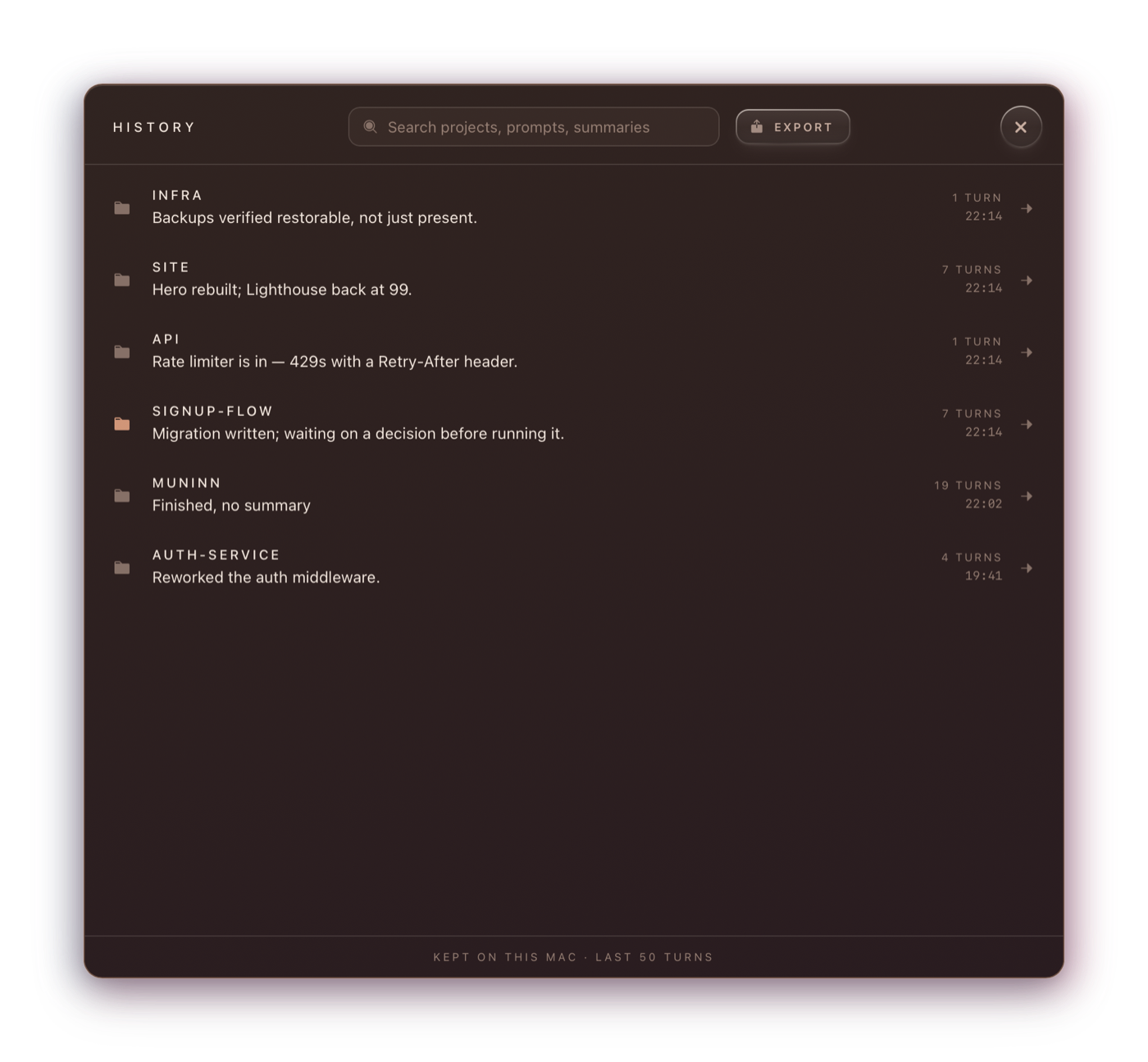
The last fifty turns in a plain JSON file on your own disk, each with the prompt that started it — a conversation, not a list of outcomes. Search ranks project names first and highlights the match inside the result; export any of it as markdown. The tray keeps the recent few to hand.
Kept on this Mac · the last fifty turns05While you wait · off by default
Somewhere for your attention to rest.
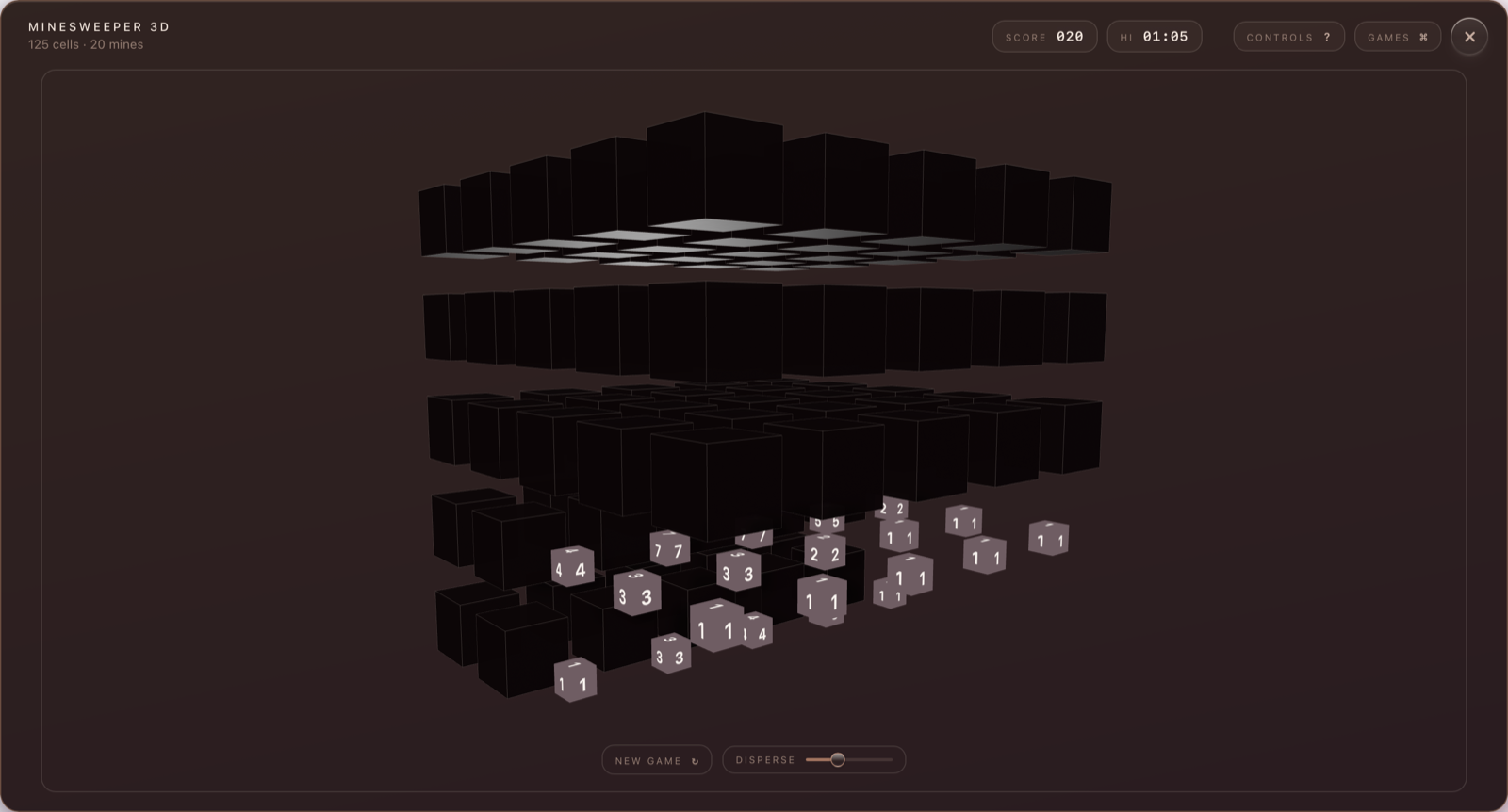
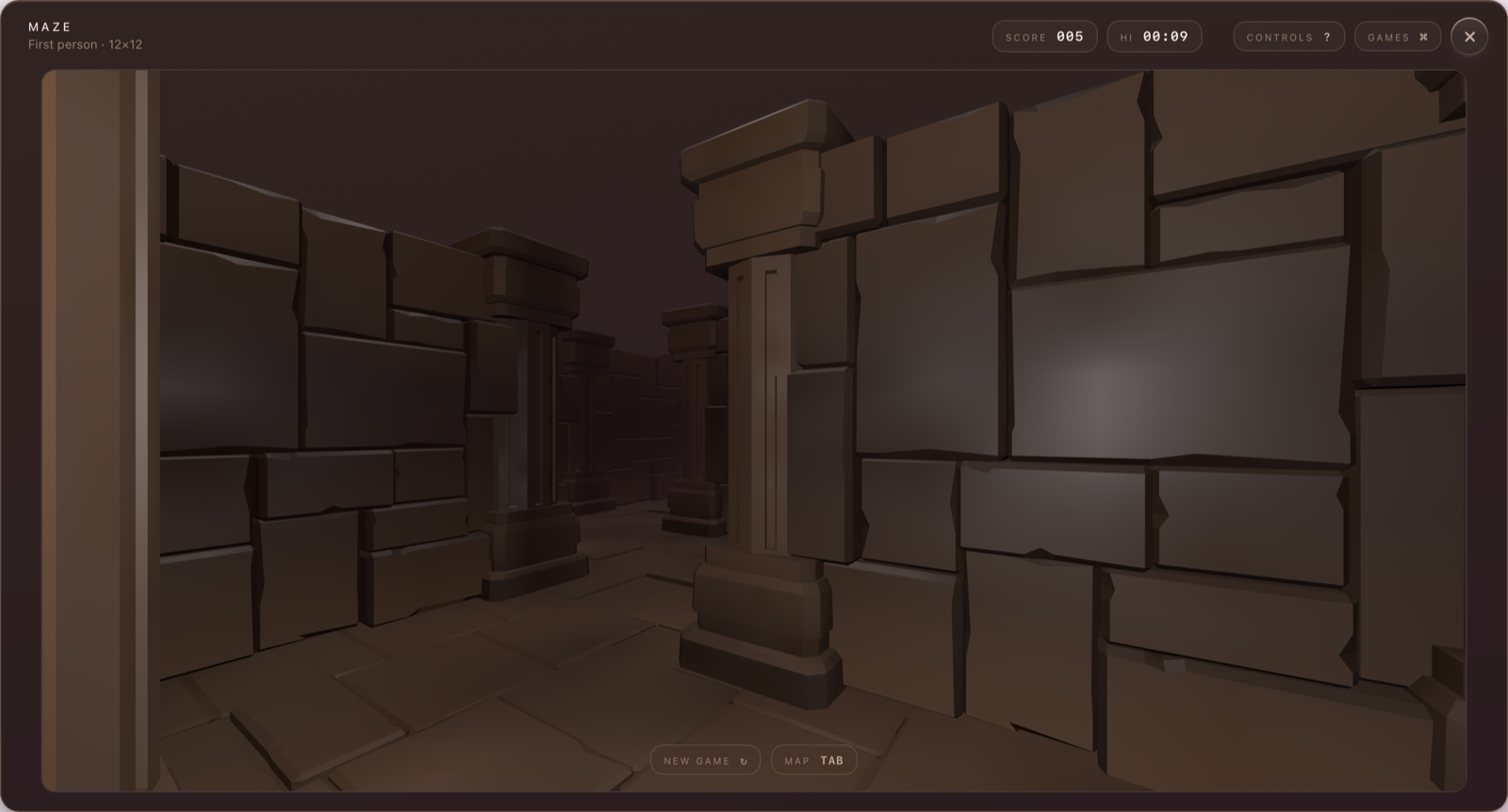
A feed is context-switching on a loop; a maze, a minefield or a chess position is one thing at a time. Minesweeper in a 5×5×5 volume, a first-person maze, chess against a real Stockfish running as WebAssembly on your own machine, a runner, a drifting raven. Progress banks every second and the summary always wins the screen. No streaks, no scores kept overnight — a thing that wanted your attention would be the problem again, in a nicer coat.
Minesweeper 3D · mid-disperseThe maze · first person
+Open source
Yours to build on.
MIT, small enough to read in an afternoon, and shaped so the interesting changes are easy ones. The seams below are deliberate — each is one file or one folder, with the door left open on purpose.
Wire your agent
Everything source-specific lives in one file: the normaliser. If your agent has a stop hook and can write JSON to stdin, it can knock. Claude Code is wired today; Codex is documented and waiting on someone to verify it.
Port it
The core is Tauri and Rust — Linux is mostly a matter of windowing and a notification path, Windows follows. The macOS-only code is fenced and labelled, so a port starts from a map rather than an archaeology dig.
Add a game
Games are self-contained TypeScript modules with a tiny contract: draw, pause when told, save a snapshot once a second. If it holds one thread of attention and lets go when the summary arrives, it belongs.
Sharpen the thing itself
The panel, the sounds, the history, the install path — all of it is open. The design principles are written down in the repo, so you can tell a fix from a regression before you send it.
Read the source ↗CONTRIBUTING.md and ARCHITECTURE.md are where to start
Privacy & footprint
Your agent’s output stays yours.
A tool that reads every prompt you write and every reply you get is asking for a lot of trust. The design answer is to make the trust unnecessary: there is no account to make, nowhere for it to send anything, and no code path that opens a connection.
Local only
The payload — your working directory and your agent’s full output — is read from a hook and written to your disk. Unplug the wifi and everything still works.
Locked down
The receiver binds to 127.0.0.1, requires a token from a 0600-mode file, and rejects anything carrying an Origin header — a web page cannot post you a fake panel.
Never in the way
The hook shim has zero dependencies and exits within 500 ms whatever happens. Nothing you run ever waits on Muninn.
Nothing lost, nothing idling
Not running? The payload spools to disk and the panel is there at next launch. Built on Tauri — a small native app, idle cost indistinguishable from zero.
Give the waiting somewhere to go.
One command, and nothing else about your setup changes. The agent you already run keeps working exactly as it did — except now it tells you when it is finished, and what it did while you were away.
curl -fsSL https://muninn.moolerz.et/install.sh | sh
macOS · nothing to install first · run it again to update · existing projects: muninn init